




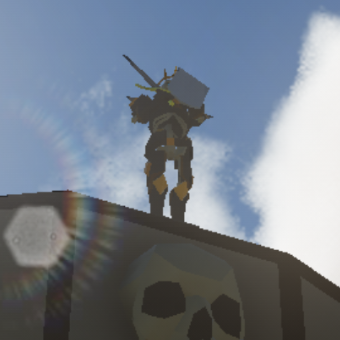

TheGameCreators have something for everyone! Whether you are a game creator or a coder, GameGuru and AppGameKit offer different levels of coding and game creation. So now you can easily create your own apps or codes your own game easily and quickly - giving you more time to spend being as creative as you like.
GameGuru MAX is a NEW 3D game-maker that makes the creation of your game simple, quick and easy – no coding required!
Free Stuff...

GameGuru Max FREE Trial
Download a FREE trial version of GameGuru Max and build and play your own exciting games

AppGameKit Classic FREE Trial
Download a FREE trial version of AppGameKit Classic and see what this great development tool has to offer

GameGuru Classic FREE Trial
Download a FREE trial version of GameGuru Classic and create and play games on your PC
Intel® BlackBelt Software Developers

With decades of experience in the development of games, tools and technology, TheGameCreators are proud to be recognised as Intel® BlackBelts in the field of software development, joining experts across every field of computer technology to develop the next generation of software products.